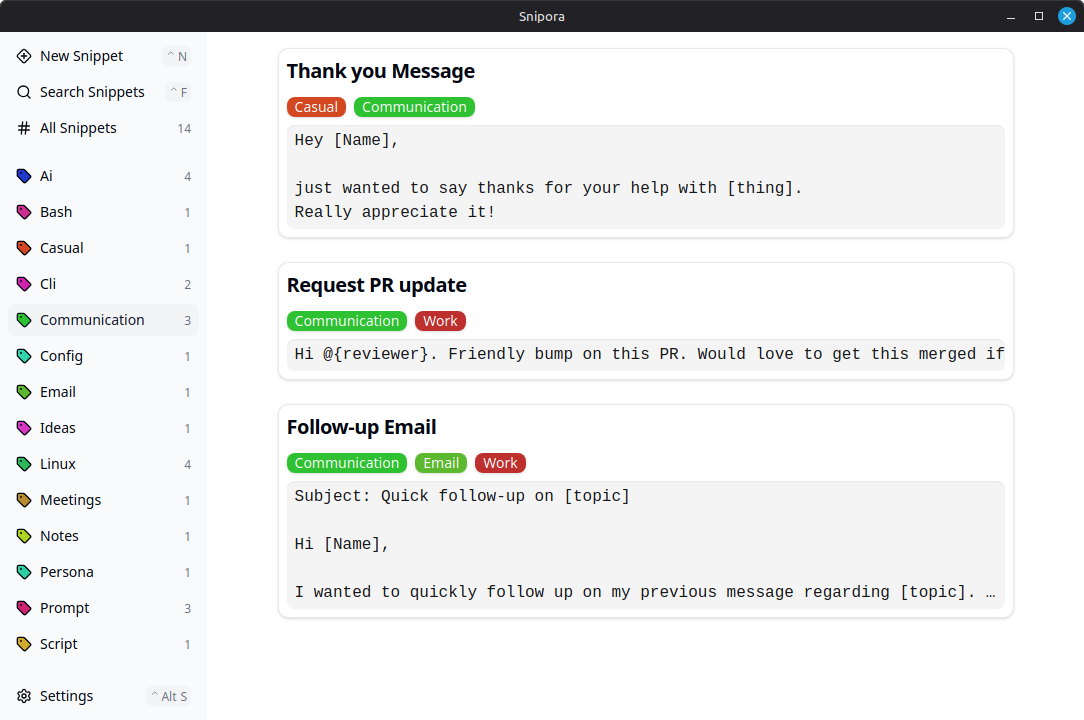
Stop rewriting the same things
You already repeat yourself more than you think:
- Rewriting prompts for AI tools like ChatGPT, Claude, or others
- Copy-pasting email replies or support answers
- Losing useful text in your clipboard history
Snipora keeps it simple
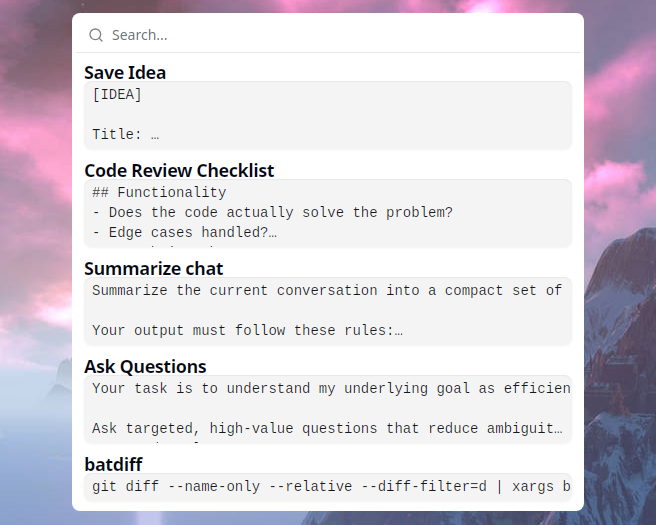
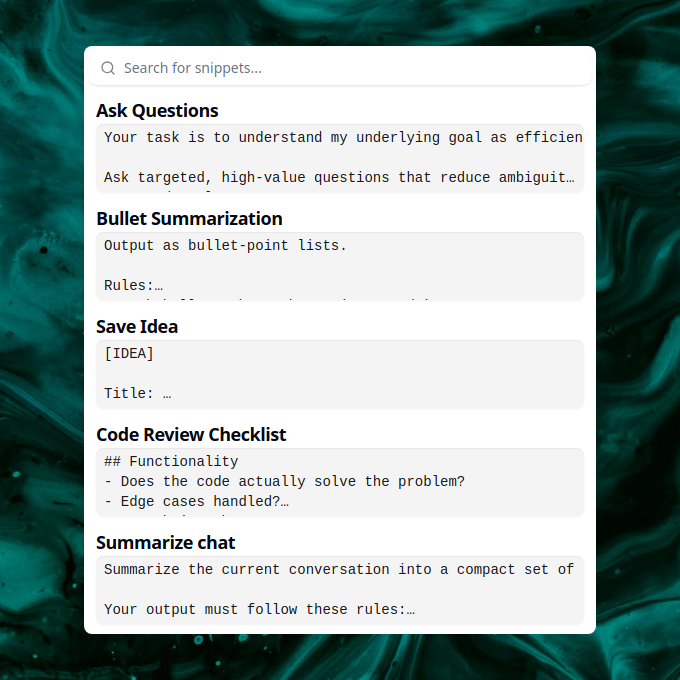
Press a shortcut. Search. Insert. Done!
- Open a global search popup from anywhere
- Find snippets instantly as you type
- Insert text without leaving your current app
Use cases
Prompt reuse
You wrote a prompt that works perfectly for your LLM, but saving and reusing it is annoying?
Store your best prompts in Snipora and access them instantly whenever you need them!
Reusable responses
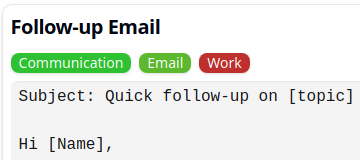
You keep rewriting the same emails or support replies?
Save them once and reuse them whenever needed!
Persistent clipboard
You copied something useful, but only need it later or occasionally?
Keep it in Snipora so it is always available!
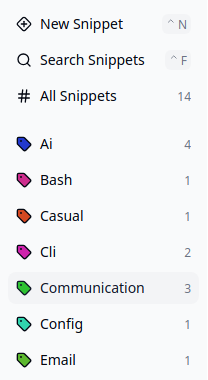
Simple organization without folders
Managing snippets in files or note tools quickly becomes messy.
- Organize with tags instead of folders
- Assign multiple tags without deciding on a single place
- Find what you need without navigating structures
Why Snipora
- Local-first
- No account required
- Instant access with a shortcut
- Lightweight and focused
- Open source
Get started
Download Snipora and start saving time today!
INFO
New to Snipora? Check out the Getting Started guide to learn the basics in 2 minutes.
Support the Project
Snipora is an open-source project built by an individual. Here's how you can help:
- Star the project Show your support by starring snipora/snipora on GitHub
- Suggest improvements Have an idea? Open a discussion on GitHub
- Report issues Found a bug? Let us know by opening an Issue
- Contribute Pull requests are welcome!
Why You Can Trust Snipora
Snipora is designed with your privacy and security in mind:
- No network permissions Snipora works entirely offline. No data is sent to any server.
- Local storage only Your snippets are stored locally on your device
- No account required No login, no subscription, no tracking
- Open source Review the source code yourself on GitHub
- Transparent development All changes are visible in the commit history